
 New
PROMPT DETAIL
Professional LinkedIn Headshot AI Prompt
Tested by Mustafa on 17 Nov 2026 · Gemini Nano Banana
PROMPTOptimized for Gemini
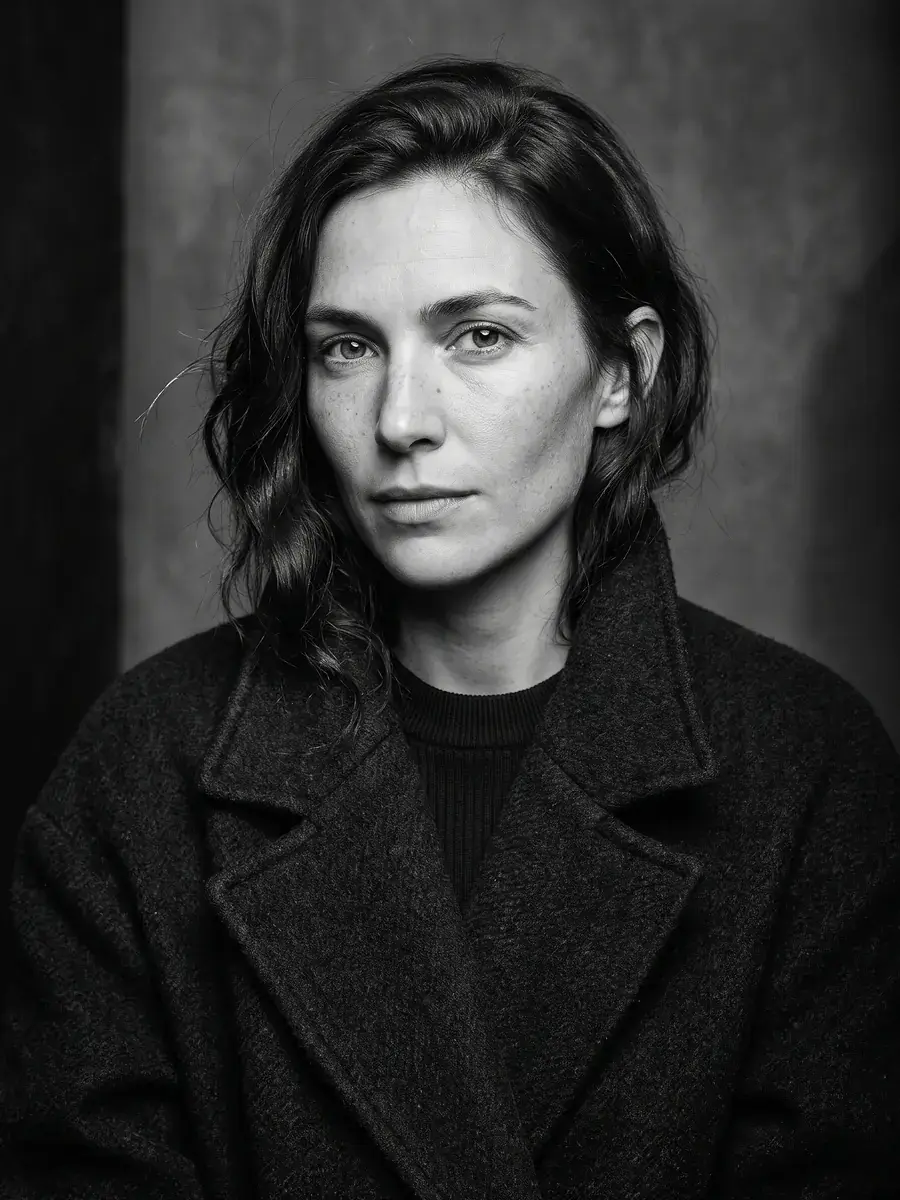
Create an ultra-realistic professional studio headshot from this photo. Keep the face exactly as uploaded — same identity, age, facial features, skin tone, hairline, eye colour, and expression. Use soft even key light with gentle fill, a shallow depth of field, and a muted grey-blue seamless backdrop. Frame from mid-chest up, shoulders squared toward camera, natural colour grading, sharp eyes, and realistic skin texture with visible pores — no beauty-filter look. Keep clothing neat and business-casual. Do not change gender presentation, invent jewellery, or alter facial proportions.
How to use
- Open Gemini.
- Upload your own photo.
- Paste the prompt and send.
Variations
Create a professional LinkedIn headshot. Keep the face exactly as uploaded — same identity, age, facial features, skin tone, hairline, and expression. Soft window light from the left, gentle warm office bokeh backdrop, mid-chest crop, realistic skin, no heavy retouching.
Tips and what can go wrong
- Works best with a sharp front-facing selfie taken in daylight; avoid heavy Snapchat-style filters before upload because they fight the face-lock instruction.
- If glasses have glare, ask Gemini to reduce reflections without removing the frames or changing lens shape.
- Clothing colour usually stays stable; if a logo appears warped, regenerate once or crop tighter around the face and shoulders.
- Suits people updating LinkedIn, speaker pages, and CV photos who want a studio feel without booking a photographer.
Tool and tags
Face-lock: prompts that edit people include the line “Keep the face exactly as uploaded” so Gemini or ChatGPT preserves identity. Read our face consistency guide.
You might also like
New New
 New
 New
 New
 New
 New
 New
 New
Browse by Style
Jump into live libraries — headshots, portraits, couples, creative, and seasonal looks.
HHeadshots2 PromptsPPortraits6 PromptsCCouples & Wedding1 PromptsPPhoto Fixes1 PromptsSSeasonal1 PromptsCCreative2 Prompts
View All Libraries