
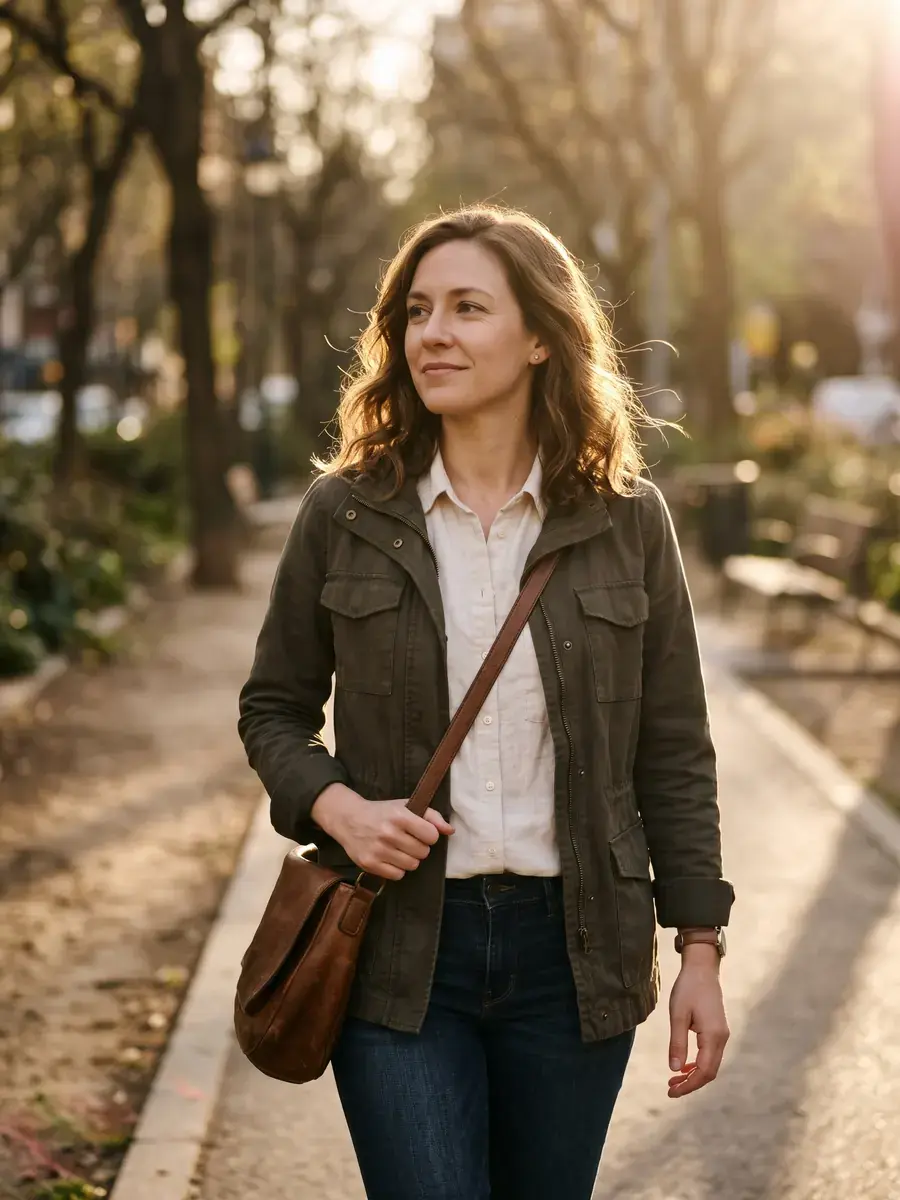
 New
PROMPT DETAIL
Soft Window Light Studio Portrait AI Prompt
Tested by Mustafa on 17 Nov 2026 · ChatGPT GPT Image
PROMPTOptimized for ChatGPT
Create an ultra-realistic vertical studio portrait with soft natural window light. Keep the face exactly as uploaded — same identity, age, facial features, skin tone, and expression. Place the subject near a large window with gentle directional light from the left, creamy background falloff, mid-chest framing, and lifelike skin texture. Calm, flattering, magazine-quality look without heavy makeup changes. Do not alter facial structure or invent jewellery that was not present.
How to use
- Open ChatGPT.
- Upload your own photo.
- Paste the prompt and send.
Variations
Photorealistic portrait seated in a soft wooden alcove with warm ambient light. Keep the face exactly as uploaded. Relaxed posture, gentle smile if present in the source, creamy tones, shallow depth of field.
Tips and what can go wrong
- Best results come from a well-lit selfie with eyes in focus; the prompt then rebuilds the lighting environment around your real face.
- If ChatGPT softens wrinkles too much, add “preserve natural skin texture and fine lines.”
- Window light prompts sometimes invent a window that is not in the source — that is expected; the face must still match.
- Great for personal branding, dating profiles, and creator bios that need warmth without looking corporate.
Tool and tags
Face-lock: prompts that edit people include the line “Keep the face exactly as uploaded” so Gemini or ChatGPT preserves identity. Read our face consistency guide.
You might also like
New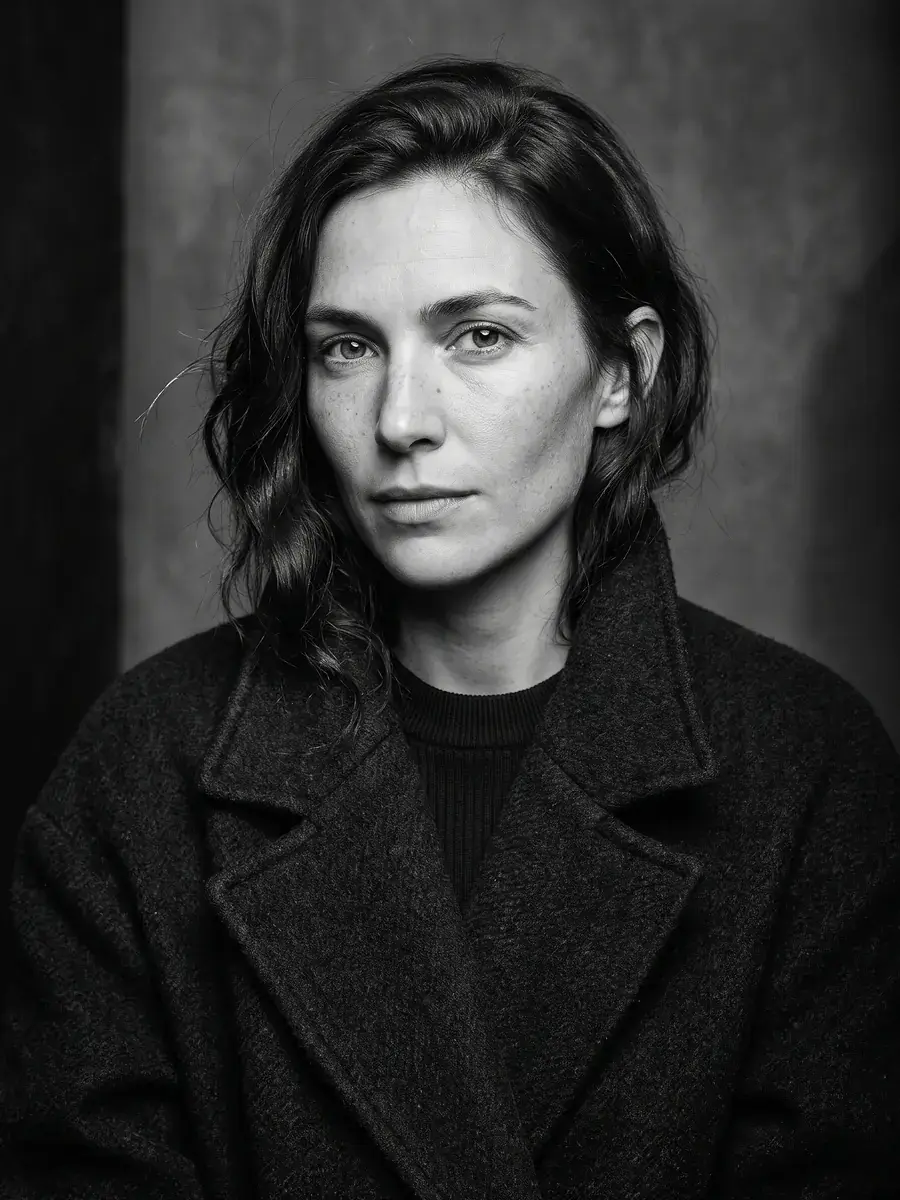 New
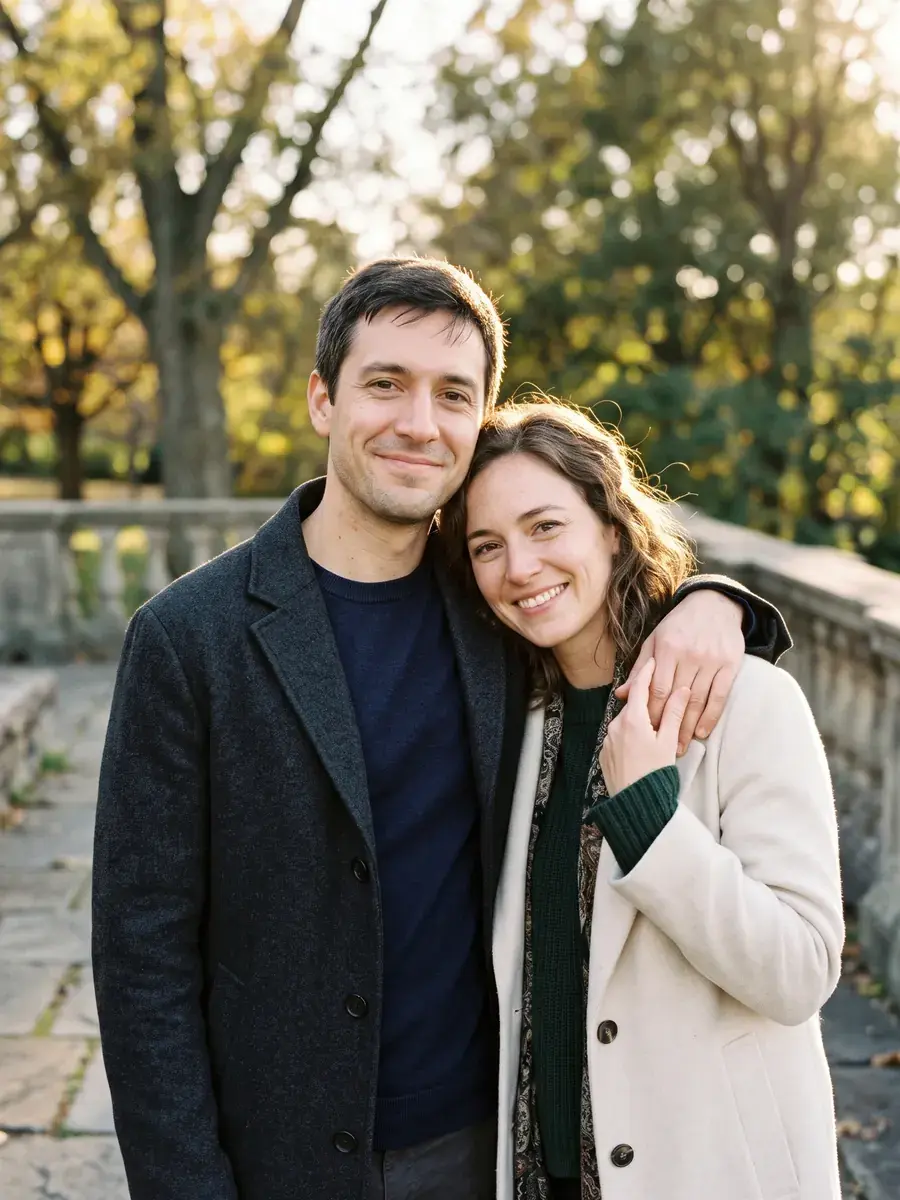 New
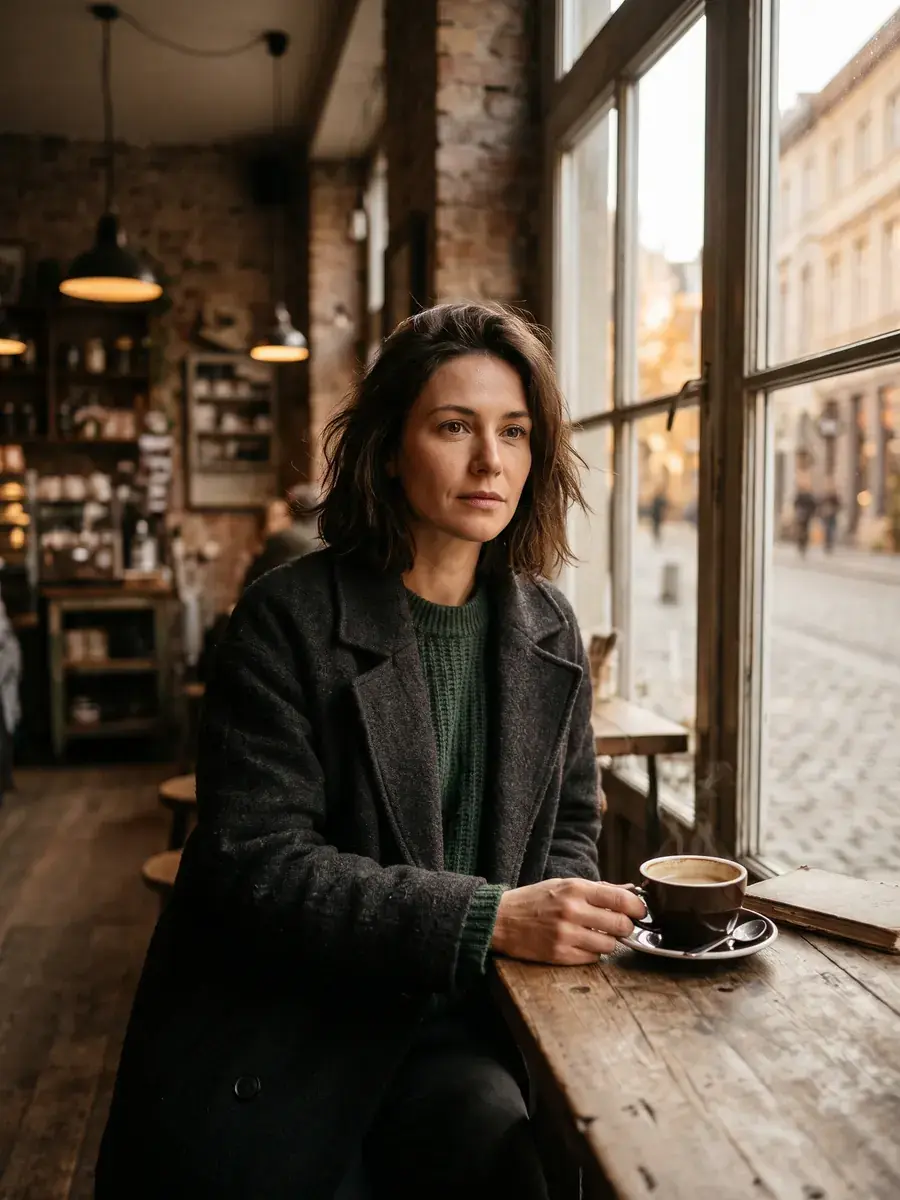 New
 New
 New
 New
 New
 New
Browse by Style
Jump into live libraries — headshots, portraits, couples, creative, and seasonal looks.
HHeadshots2 PromptsPPortraits6 PromptsCCouples & Wedding1 PromptsPPhoto Fixes1 PromptsSSeasonal1 PromptsCCreative2 Prompts
View All Libraries